Do Product Images Help AI Shopping Assistants Recommend You?
How ChatGPT, Gemini and other AI shopping assistants read Shopify product images and alt text, and how our new app Octolift scores each product for AI visibility.
By Craftshift Team · · 7 min read
Yes. AI shopping assistants read the product data the Shopify catalog returns, and images with alt text are part of it: a product with no photos, one or two photos, or photos without alt text gives an assistant less to show and less to describe. Our new app, Octolift, checks this for every product, together with the title, description, category, policies and reviews, and gives each product an AI visibility score from 0 to 100.
We build both Octolift and Export Product Images at Craftshift, so this post is about how the two fit together. The full launch story, with the reasoning behind every check, is in Introducing Octolift: get your Shopify products recommended by AI.
Watch the Octolift video on YouTube (opens the video).
What is Octolift?
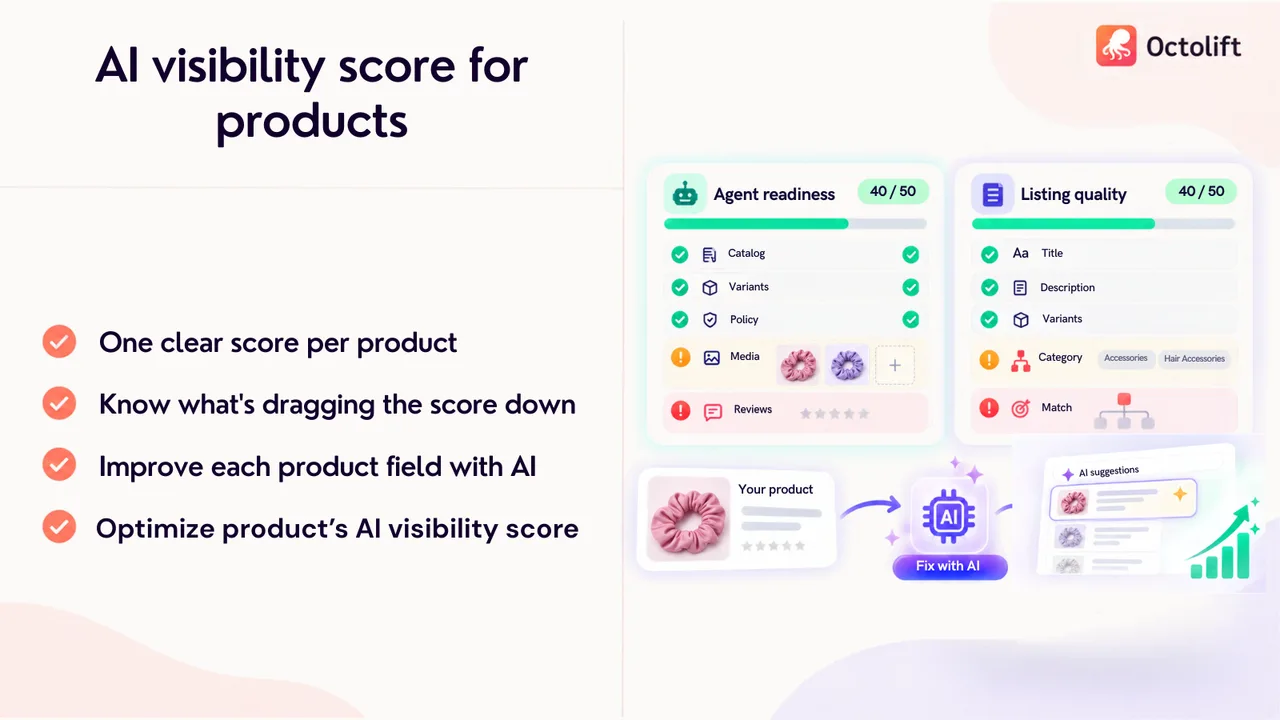
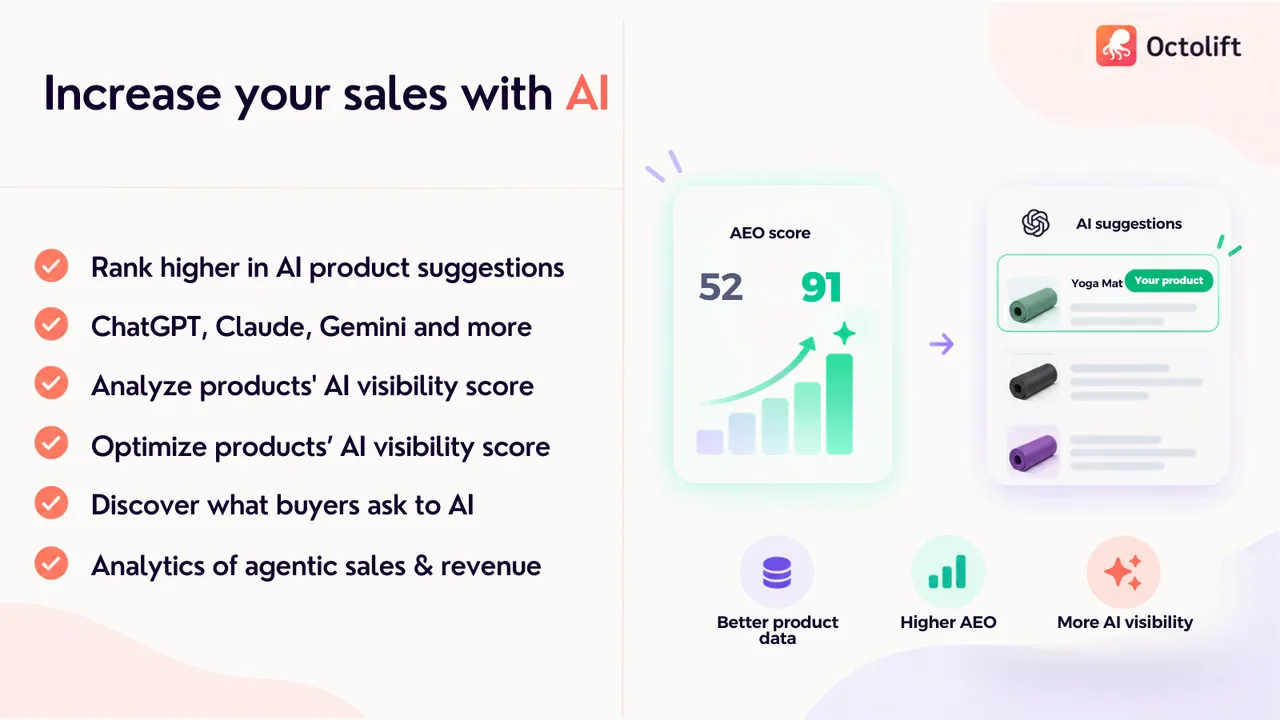
Octolift is a Shopify app that measures how ready each product is to be found and recommended by AI shopping assistants such as ChatGPT, Gemini and Claude. This work is often called answer engine optimization (AEO) or generative engine optimization (GEO). The app does four things:
- Scores each product from 0 to 100, split into two halves: Agent readiness (what the Shopify catalog returns to an AI agent) and Listing quality (what you write).
- Shows what to fix for every missing point, and writes improved titles, descriptions and category fields with AI. Nothing changes in your store until you apply a suggestion, and you can rescan to see the new score.
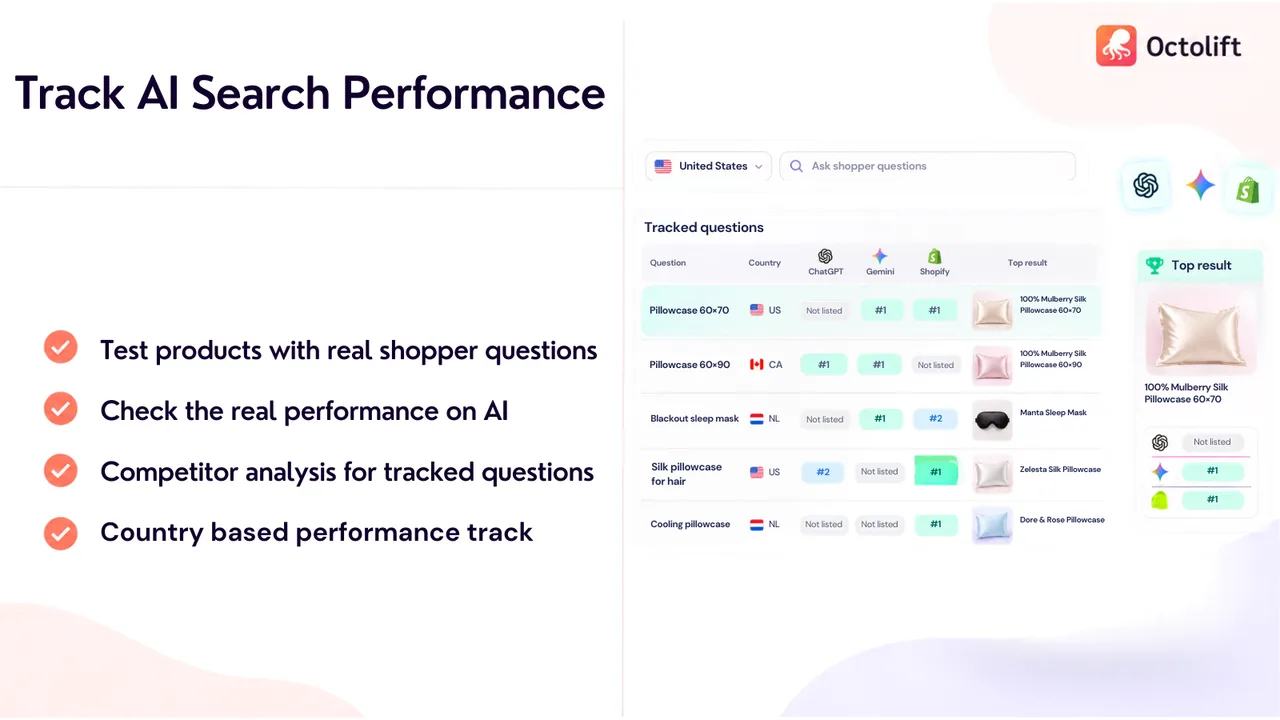
- Tracks shopper questions, such as “silk pillowcase for curly hair”, and checks whether your product comes up in ChatGPT, Gemini and the Shopify catalog, by country.
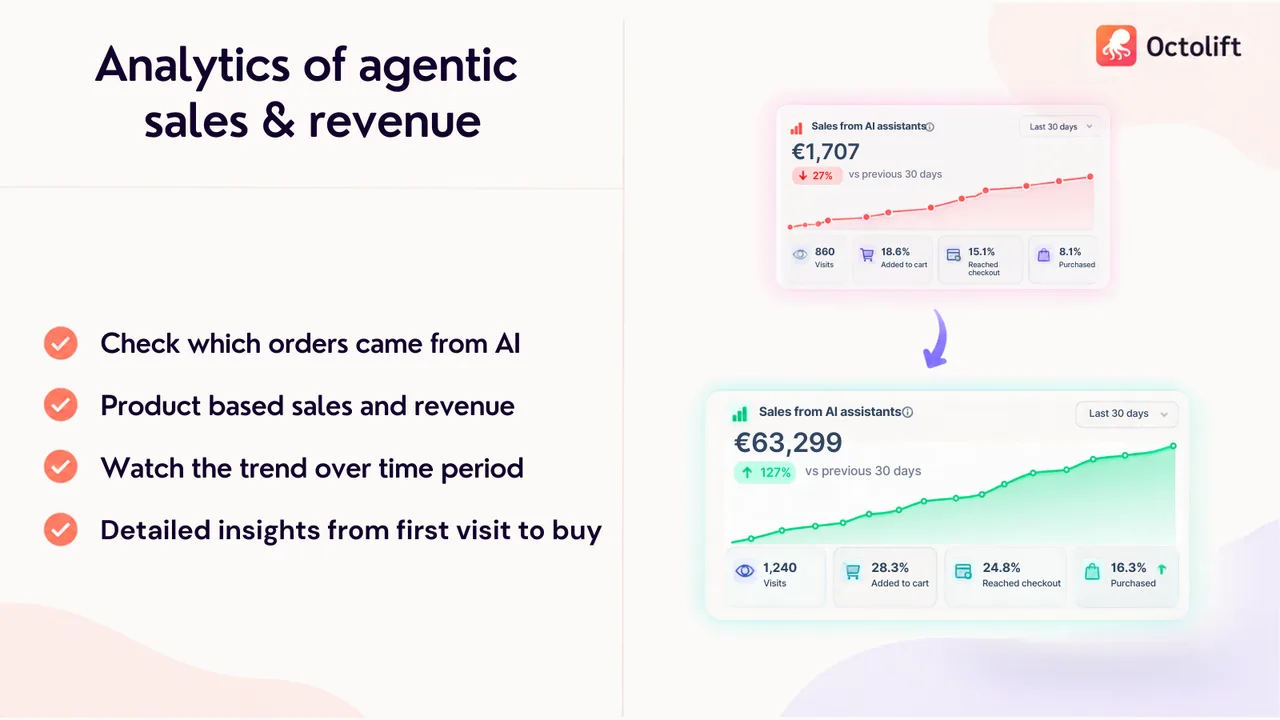
- Reports sales and visits from AI assistants, so you can see which orders came from agentic traffic.
How do AI shopping assistants see your product images?
An AI assistant does not browse your product page the way a shopper does. It queries a product catalog and reads what comes back: title, description, price, variants, availability, policies, reviews and media. For an image, the most reliable part an assistant can read as text is its alt text. A photo without alt text is a file with a URL and nothing that says what it shows.
That is why Octolift’s Media quality check, part of Agent readiness, looks at the images the Shopify catalog returns for the product, not at your theme. The rule is simple:
| What the catalog returns | Result | What Octolift tells you |
|---|---|---|
| No images | No points | “Add product images; AI assistants show them next to your listing.” |
| Images, some without alt text | Half the points | “Add alt text to every image; it is how an AI assistant reads them.” |
| 1 or 2 images, all with alt text | Half the points | “Add more images (3 or more) so AI assistants can show the product properly.” |
| 3 or more images, all with alt text | Full points | “Looks good.” |
Videos and 3D models do not count toward this check. Only images do.
Does Octolift look at the photos themselves?
Yes, when it writes suggestions. Octolift sends up to four product images, in your media order and at a 768 pixel size, along with the text when it generates a new title, description or category values, and when it checks whether your category and attributes match the product. A photo can confirm what the text leaves out: the color, pattern, shape, visible material and what the product actually is. A photo is never used to guess measurements, weight or certifications, because a picture cannot prove those.
This matters for stores with clear, honest photos. If your listing says “Blue” but every photo shows a black product, the audit flags the contradiction. If your description never says the item is a scrunchie, the photo can still tell the model what it is.
What else does Octolift check besides images?
Images are one of twelve checks. The others come from the same two halves:
| Agent readiness (what the catalog returns) | Listing quality (what you write) |
|---|---|
| Catalog eligibility: is the product found at all | Description |
| Core fields present | Title |
| Variant data structure | Category match |
| Policy clarity (shipping, returns and so on) | Category fields |
| Availability hygiene | Variant attribute completeness |
| Media quality | |
| Review signal |
A product with perfect photos and a 40 word description still scores low, and so does a well written product the catalog cannot find. Fixing both halves is what moves the score.
How do you see if AI assistants actually recommend your product?
A score is a prediction. To check the real outcome, Octolift lets you track shopper questions and runs them through ChatGPT, Gemini and the Shopify catalog for the country you pick. It shows whether your product is listed, its position, which product came up on top, and which competitors were named instead. On paid plans these questions are re-checked every week.
The analytics page then shows sales and visits that came from AI assistants, per product, over time.
How do Octolift and Export Product Images work together?
Octolift tells you which products need more photos or alt text. It does not upload images or write alt text for you. That part happens in your media library, and this is where our media apps help:
- Back up first. Before you change product photos, export them with Export Product Images. Choose the Product title folder layout (see file names and folders) and you get one folder per product, so products with only one or two images are easy to spot.
- Analyze in Octolift. Run the analysis on the products you care about most. The Media quality line shows the image count and how many images are missing alt text.
- Add the missing photos. Upload new images in bulk with Smart Bulk Image Upload, which matches files to products by SKU or barcode and can write alt text. Or add them one by one in the Shopify admin.
- Rescan. Open the product in Octolift again to confirm the new score.
The full export and upload loop is described in exporting and re-uploading product images by SKU. For what a ZIP contains, see export product media.
What are Octolift’s limits?
- No guarantee of a recommendation. Assistant answers change between runs and between countries. A higher score makes a product easier to find and quote; it cannot force an assistant to pick it. That is why the app measures real answers instead of only the score.
- It does not create media. Photos and alt text are your input. Octolift reads them and tells you what is missing.
- Undo lasts 30 days. You can undo any change you applied for 30 days after applying it.
- The app interface is in English.
How much does Octolift cost?
There is a free plan, and paid plans are billed every 30 days or yearly with about 17% off. An analyzed product stays covered: you can rescan and improve it again at no extra cost.
| Plan | Price | Products analyzed | Shopper questions tracked |
|---|---|---|---|
| Free | $0 | 5 | 5 |
| Starter | $29/month | 100 | 20 |
| Advanced | $59/month | 500 | 40 |
| Premium | $99/month | 2,000 | 75 |
| Enterprise | $199/month | 10,000 | 125 |
Summary
AI shopping assistants recommend what they can read. For images, that means enough photos (three or more) and alt text on every one of them. Octolift scores this with eleven other checks, writes the text fixes with AI, and tracks whether ChatGPT and Gemini actually name your product. Install Octolift on the Shopify App Store and analyze your first 5 products for free.
Before you change your product photos, keep a copy of what you have. Install Export Product Images and download all your product media as one ZIP, free for up to 100 files a month.